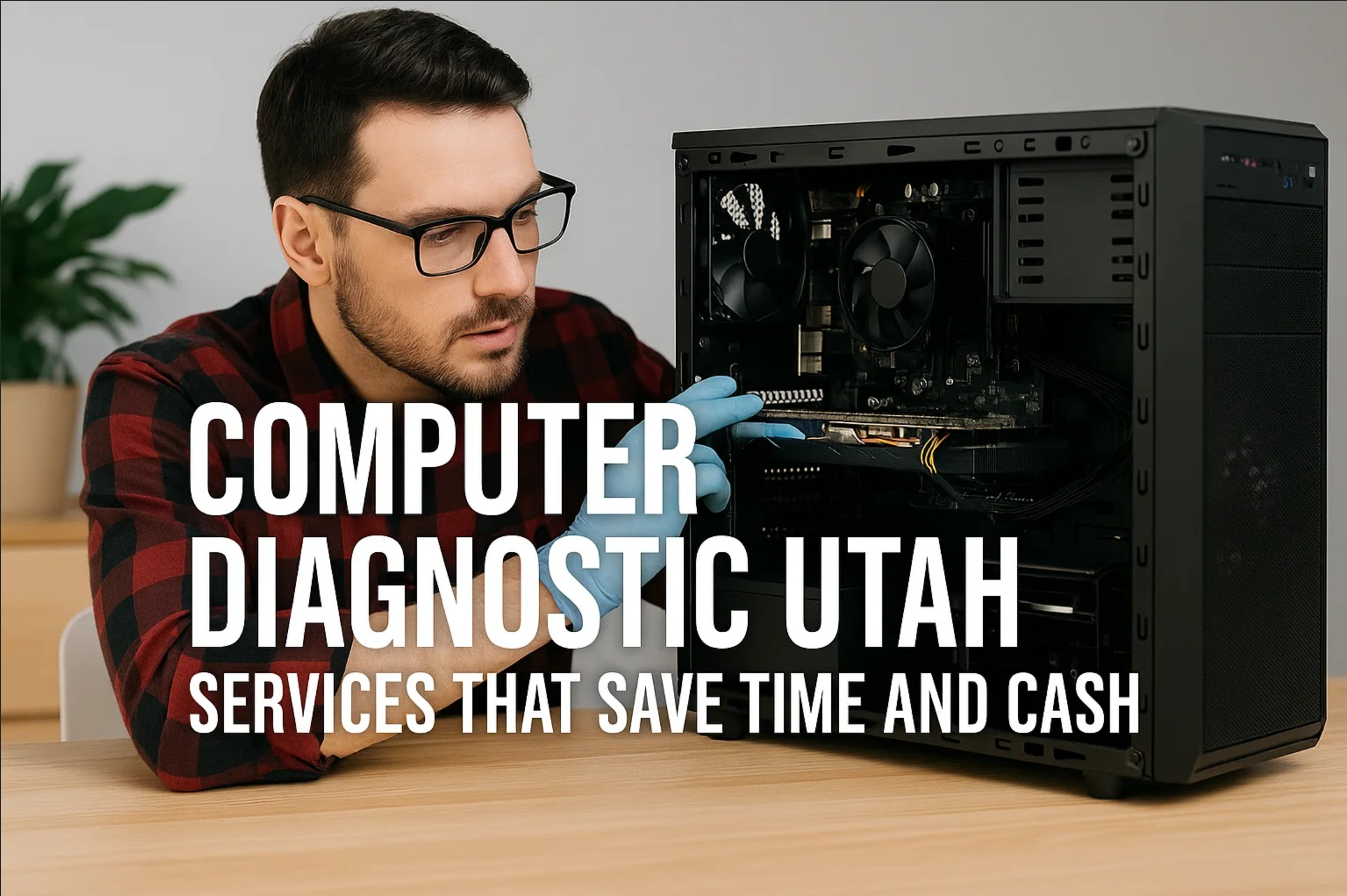
Computer diagnostic Utah: Experts at PC Laptops quickly pinpoint and fix performance issues. Save time, cut costs, and get reliable computer repair across Utah.
Computers age in quiet ways. Programs take longer to load, systems hesitate before launching games or work apps, and the overall experience loses the crisp responsiveness it once had. Nothing breaks outright, it just becomes slower. That’s when a computer tune up service makes a bigger difference than most people expect.
Performance shouldn’t fade long before your hardware does. At PC Laptops, technicians see systems every day that still have plenty of life left in them but are weighed down by outdated software, cluttered storage, background programs, and heat buildup. A proper tune up clears those bottlenecks and restores the snap your machine had when you first set it up.
If you’re considering giving your system the refresh it needs, your nearest store can help. The PC Laptops location directory lists every shop in Utah, and each one is staffed by technicians who work on these machines daily.
Most slow machines don’t need replacement, they need maintenance. Over months and years, systems accumulate things their owners never see: leftover files from software updates, programs running silently in the background, cooling systems clogged with dust, and drivers that haven’t been touched since the day the computer came home.
A computer tune up reverses all of that. Unlike do-it-yourself cleanups, a professional service evaluates the system on a deeper level: hardware health, driver conflicts, thermal performance, and software behavior. Every part of your computer contributes to how it runs, and every part is checked.
You feel the results immediately, especially if you use your system for demanding tasks like gaming, streaming, or heavy multitasking.
PC Laptops approaches tune ups as a full performance restoration, not a surface cleaning. A computer tune up service Utah customers bring their systems in for typically includes:
A system-wide evaluation reveals issues long before they become problems. Technicians check CPU and GPU temperatures, RAM integrity, drive health, and overall system load. A clear picture of performance emerges. If the diagnostics uncover repair needs, the team next door in the PC Laptops repair department handles those as well.
Even careful users encounter hidden threats. Many forms of modern malware run quietly in the background consuming resources. Using industry-recognized tools ensures these threats are identified and removed safely.
Drivers are often the unseen cause of lag and instability. A tune up includes updating chipset drivers, GPU software, and system firmware, along with removing processes that interfere with everyday performance.
Heat is one of the fastest ways to degrade performance. Dust buildup blocks airflow, forces fans to work harder, and causes throttling. Cleaning the system restores proper cooling, leading to quieter and more consistent performance.
Temporary files, installers, logs, and outdated applications build up over time. Cleaning storage reduces load times and improves responsiveness. Boot-time programs are also refined so the computer launches smoothly.
Data is irreplaceable. During a tune up, technicians walk through secure backup options and can set up protection using services available at PC Laptops, including the online data backup solution.
This process brings a machine back to the standard that made it enjoyable to use in the first place without unnecessary parts or upgrades.
A sluggish system doesn’t just feel inconvenient; it disrupts flow. Whether you’re editing large files, running complex software, or playing games that depend on smooth, stable performance, hesitation from your computer impacts the experience.
A tune up restores the responsiveness that makes everyday work and entertainment satisfying. It reduces stutters, stabilizes framerates, and cuts down on those brief but frustrating pauses that happen when a system is overloaded.
The difference isn’t subtle, especially for users who rely on consistent speed.
One advantage of using PC Laptops for a PC tune up service is immediacy. Systems aren’t shipped out of state or held for weeks. Service is done locally, and updates come directly from the technician working on your machine.
If anything needs follow-up, the support team is handled through the same building, no outsourcing, no call centers. Details on coverage are available through the PC Laptops warranty page.
For convenience, several Utah locations are available, including the Sandy store listed on this Google Maps address.
Many people replace their computers prematurely because they’ve forgotten what their machine feels like at full performance. A tune up is often all it takes to make a system enjoyable again.
If you’re unsure whether your computer needs service, the quickest path is stopping by a store in person. Technicians can tell within minutes whether your system needs a tune up or something more complex. No scripts, just straightforward feedback.
To get started, you can reach any store through the PC Laptops location finder or call 1-877-596-SAVE (7283).
System results vary based on hardware condition and software environment. This article is informational only. For a personalized recommendation, visit a PC Laptops store or call 1-877-596-SAVE (7283).
Every 6–12 months, depending on usage. Heavy workloads or gaming benefit from the shorter interval.
Yes. Most performance issues come from software and heat, not old hardware.
Yes. Backup options can be set up during the appointment using the services listed on the online backup page.
Repairs are handled in-store by the PC Laptops repair team.