Causes of Frequent Computer Reboots
If your computer keeps restarting, it can be caused by overheating, faulty hardware, corrupted files, malware, or even missing or outdated drivers. Sometimes it’s a quick fix, while other times it signals a serious hardware problem that needs professional help. If you’re in Utah and dealing with random restarts, a reboot…

How to Close Tabs in Your Browser Fast: A Complete Guide for Chrome, Edge, and Windows Computers
If you spend a lot of time online, you’ve probably ended up with more tabs open than you can count. PC Laptops believes that learning how to close browser tabs efficiently in your web browser is not only useful but also helps your computer run faster and stay organized. Whether you’re on Google Chrome, Microsoft Edge, or another…

Computer-Based Scams to Steer Clear Of
Scams are common, and computer-based ones are some of the trickiest to detect. From phishing emails and text messages to tech support scams, fraudsters design traps to steal your personal and financial information. Knowing the red flags can help you avoid scams. PC Laptops recommends staying alert, securing your devices, and working with trusted experts when something…
What to Know About Built-In Virus Protection
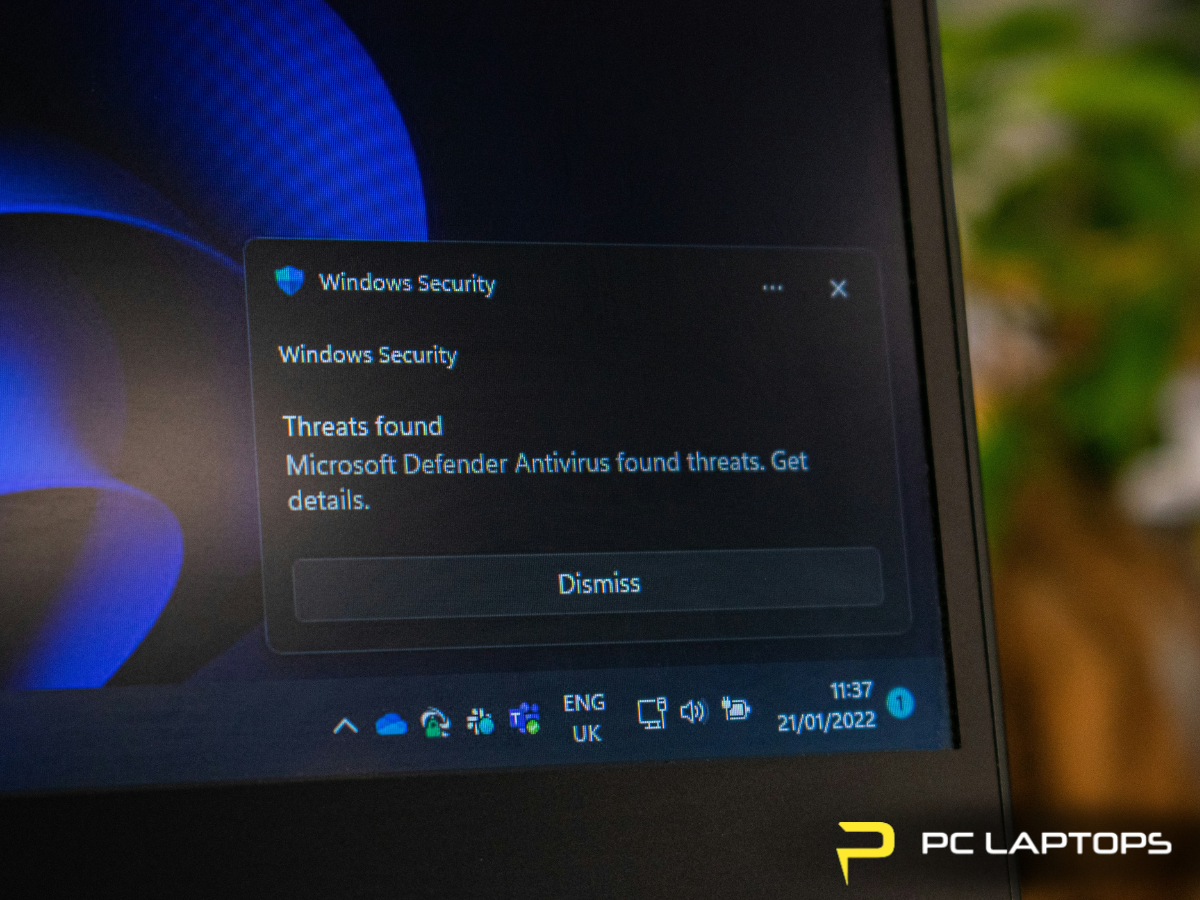
Built-in antivirus software like Microsoft’s Windows Security (formerly Windows Defender) has come a long way and offers solid protection for everyday users. But while it provides essential PC security features, it’s not always enough on its own—especially if you store sensitive data or rely heavily on your computer. In this built-in antivirus review, we’ll break down how effective…
Debunking Common Myths on Computer Viruses
Computer virus myths can make users feel safe when they’re not. Macs are not immune, viruses don’t just come from shady websites, antivirus software isn’t foolproof, and even mobile devices are vulnerable. Believing these PC security misconceptions can put your data and devices at risk. At PC Laptops, we believe education is one of the best defenses against…

Protecting Your Laptop During Holiday Travel
Holiday travel can put your laptop at risk of theft, damage, or data loss. To maximize travel laptop security, follow these essential tips: back up your files, use strong passwords and encryption, keep your laptop with you, avoid unsafe Wi-Fi, and invest in proper protective gear. PC Laptops recommends taking these steps so you can enjoy your trip…
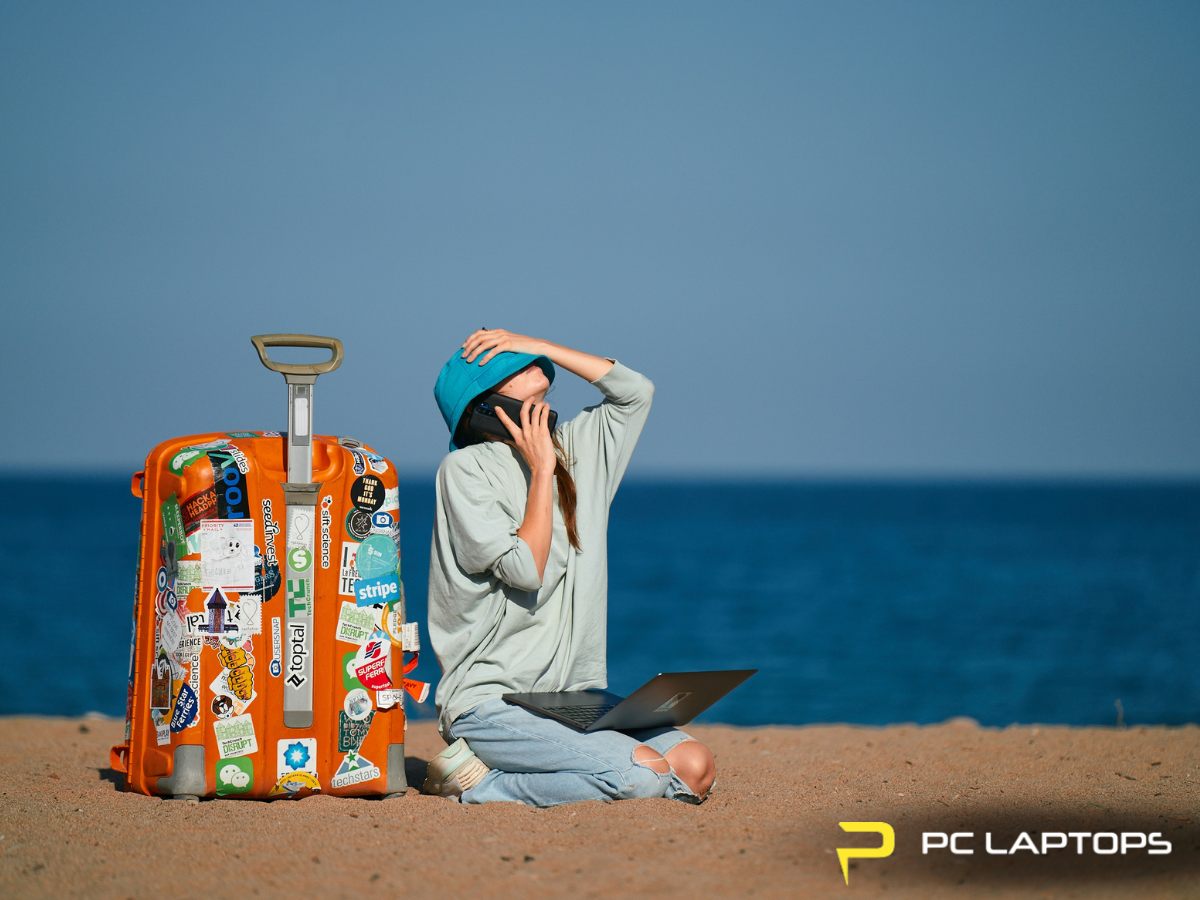
Qualities of a Great Business Travel Laptop
At PC Laptops, we believe that the best travel laptop for business should combine portability, long battery life, a powerful CPU, plenty of RAM, and durable construction. Whether you’re working from home, in an airport, or at a client meeting, choosing the best laptop for your work needs means balancing performance with convenience.
Business laptops are built…

Preventing Ransomware Attacks on Your Computer
The kinds of threats facing computer and internet users are ever-shifting in today's world, and one type that's on the rise in recent years and expected to continue this path is ransomware. What exactly is ransomware, and how can you protect any devices you utilize - plus the personal data and information you keep on them - from these risks?
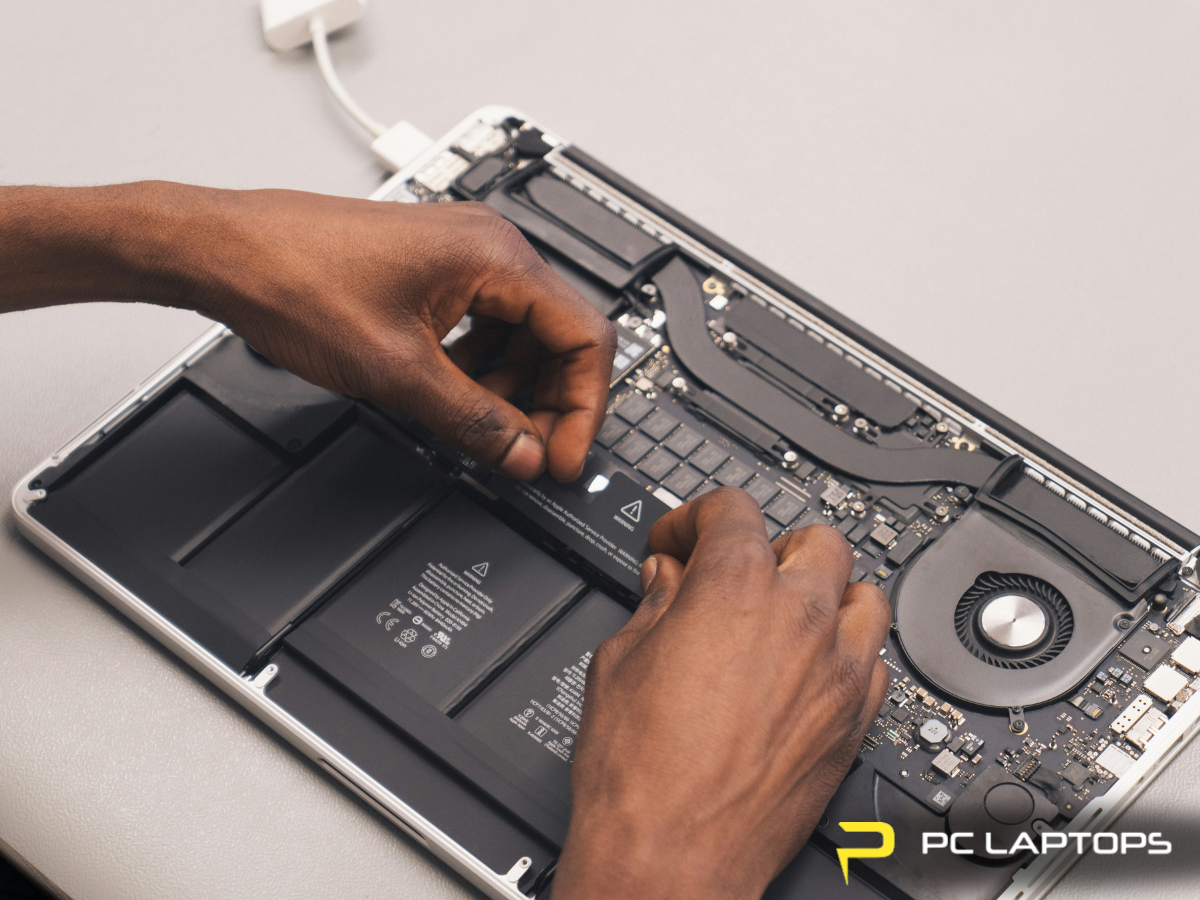
Typical Steps in the Computer Repair Process
Dealing with a computer issue can be frustrating, but the computer repair process is straightforward when you know what to expect. This article walks you through the standard laptop repair steps from diagnosis to completion, so you know exactly what to expect during a repair. Whether you need a quick fix or a full system overhaul, PC Laptops is your

Children and Computers: Online Safety
Keeping kids safe online is more important than ever. With children accessing the internet daily for learning, play, and socializing, parents need practical tools and strategies for child online safety. We're here to offer clear internet safety tips, discuss how to use parental controls on a PC, and provide steps…